Elemetor Addon
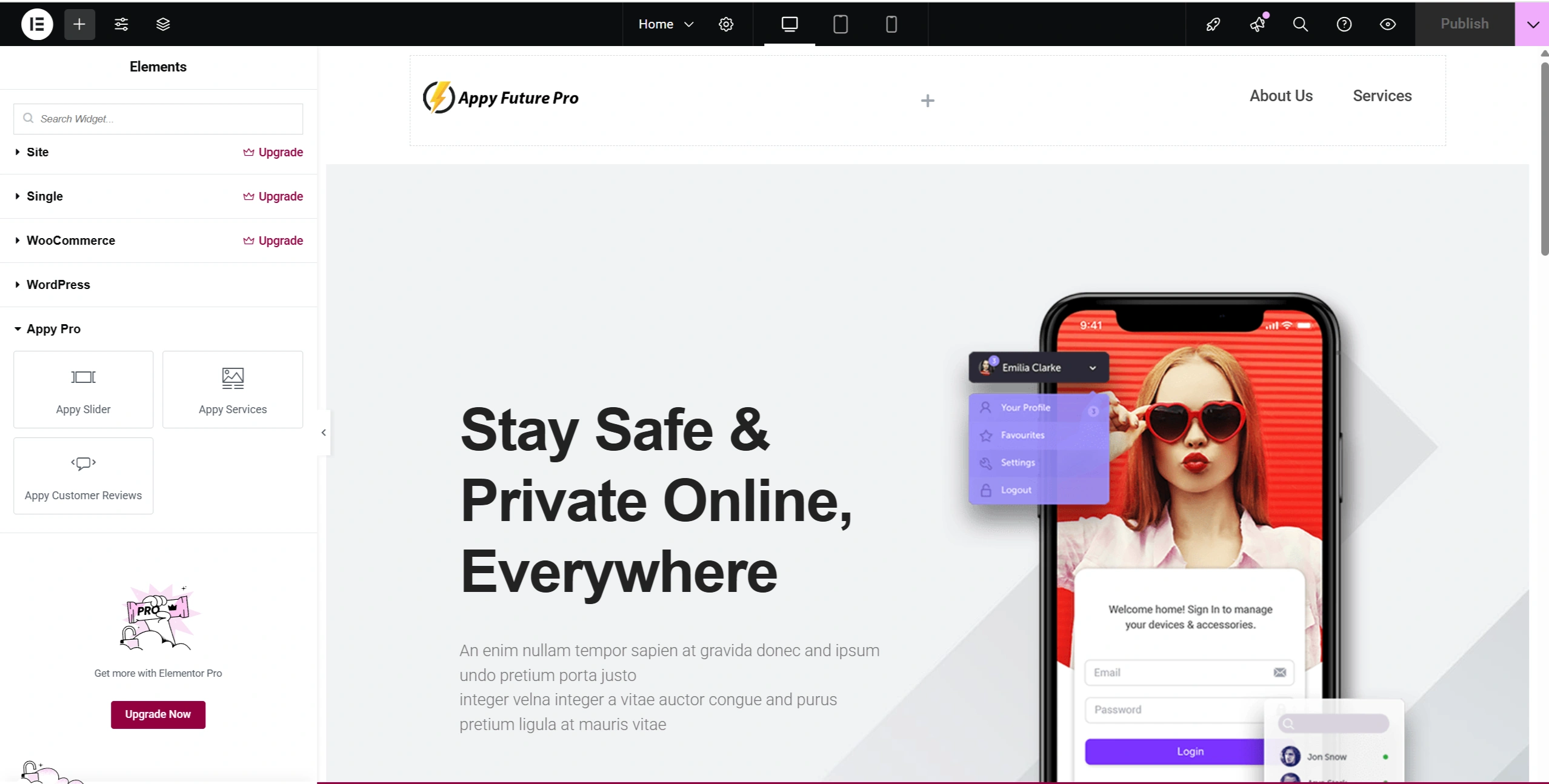
To enhance content editing flexibility, I recognized that many clients prefer a visual, user-friendly interface like Elementor for building and managing pages. To accommodate this, I integrated Elementor into the project, allowing non-technical users to easily modify layouts and content through its intuitive drag-and-drop UI.
Beyond the standard functionality, I extended Elementor’s capabilities by developing custom widgets tailored to the project’s requirements. These widgets were built using Elementor’s Widget API, enabling seamless integration of custom design elements and dynamic data within the editor. This approach provided small business owners with a powerful yet simple content management experience — combining the flexibility of Elementor with the scalability of custom WordPress development.
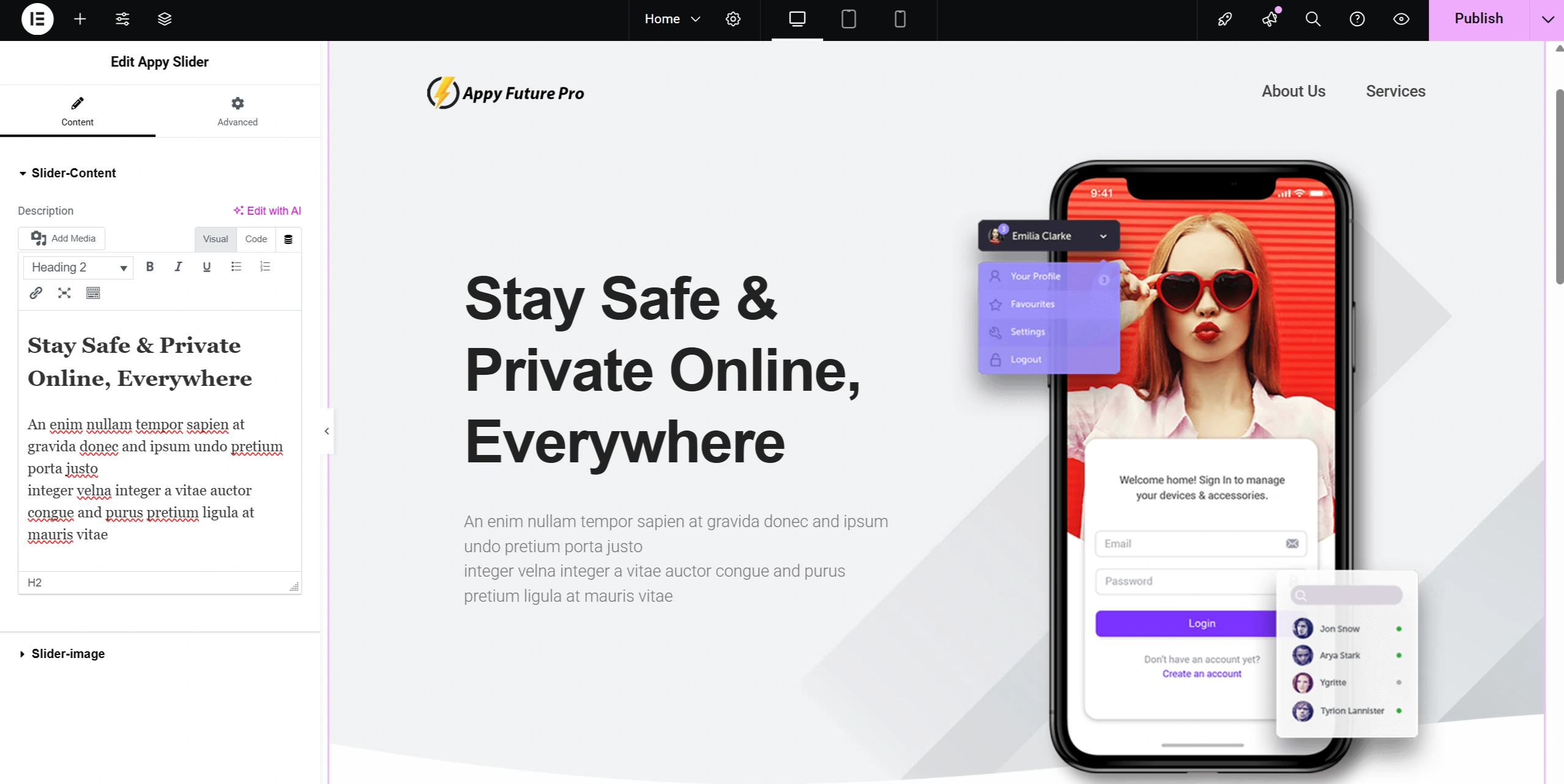
The first component I developed was a custom Slider widget for Elementor. I began by creating a standalone WordPress plugin to encapsulate the widget’s functionality, ensuring modularity and easy maintenance. Within the plugin, I registered a custom Elementor widget by extending the \Elementor\Widget_Base class and leveraging Elementor’s Widget API.
For styling and interactivity, I enqueued custom CSS and JavaScript files specific to the slider using WordPress’s wp_enqueue_style() and wp_enqueue_script() functions. I also defined a unique widget class and category so that the Slider component appeared within Elementor’s widget panel, allowing users to easily locate, drag, and drop it onto any page.
This implementation provided a fully dynamic and reusable slider component, offering non-technical users a smooth drag-and-drop experience while maintaining clean, object-oriented, and extensible code architecture.

Not ready to start a project just yet? No worries. Join my monthly newsletter for design inspiration, web strategy insights, and eCommerce tips — created especially for beauty and wellness brand owners looking to grow online. Let’s stay in touch and keep the ideas flowing.